
Patcher for iPhone
Repair your pavement with confidence.
Measure the damage, order the right amount, check delivery, and get guided through the repair.

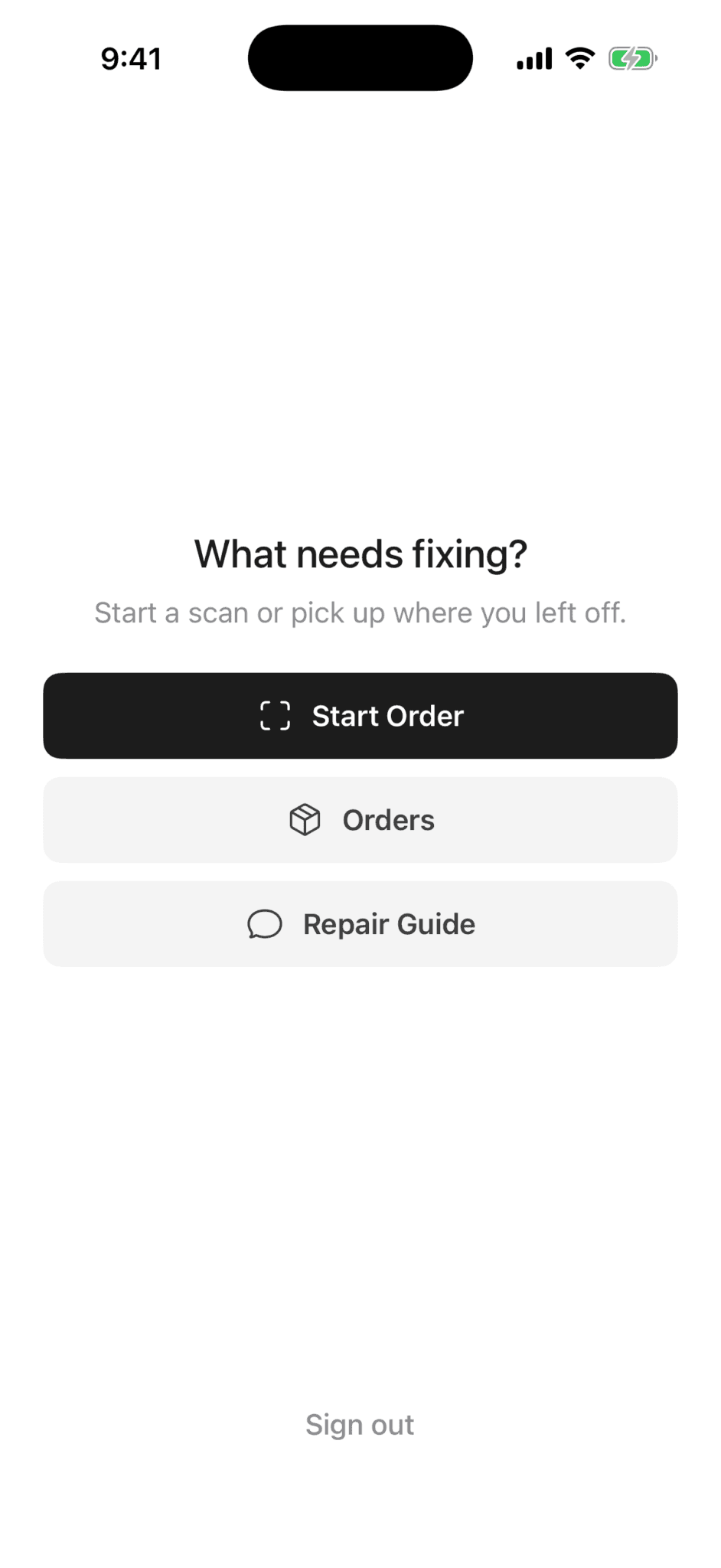
A clearer process
From damaged pavement to a guided repair.
Measure
Use Patcher on your iPhone to scan the damaged area and capture the dimensions that matter.
Calculate
The app turns those measurements into a practical material quantity for your repair.
Order
Place your order in the app, then return here whenever you need to check delivery.
Repair
Follow clear, camera-assisted installation guidance and verify the finished repair in the app.
What Patcher helps you do
The practical details, kept together.
Get the right amount
Place the order
Check delivery
Get repair guidance
Designed around the repair
Measure in the app. Manage from anywhere.
Patcher keeps the visual work on the iPhone, where the camera can help. The website stays focused on learning, questions, delivery, and orders.
- Camera-based measurement stays in Patcher.
- Order status is available on the web.
- General repair education is always public.
- Installation and photo verification stay in the app.
Useful on the web
Two direct ways to get what you need.
Know when the repair needs more.
Cold patch is not right for every kind of pavement damage. Widespread cracking, movement, drainage problems, or a failing base may require an asphalt professional. Patcher provides guidance, not a guarantee of repair outcome or structural safety.
Patcher for iPhone
Start with a measured repair.
Download Patcher to scan the damage and plan the next step.